
Workshop Wednesday: Level Up Your Chocolate With The Roast Curve Tool
Ever roasted a batch of beautiful cacao beans, only to taste your finished bar and wonder... why does this taste like burnt toast mixed with regret? Yeah, we've all been there.
Here's the thing, roasting is where the magic happens. It's the moment your raw cacao transforms from bitter, astringent seeds into something rich, complex, and utterly delicious. But without tracking what you're actually doing during that process, you're basically flying blind. And flying blind in the kitchen? That's how "experimental chocolate" becomes "chocolate we don't talk about."
Today, we're diving into one of the most powerful tools in any chocolate maker's arsenal: the roast curve. And even better? We're showing you how Cocoa Craft's Chocolate Lab makes mastering roast curves accessible to everyone, not just the pros with fancy equipment and years of experience.
Ready to stop guessing and start crafting? Let's get into it!
What Exactly Is a Roast Curve (And Why Should You Care)?
Simply put, a roast curve is a visual graph that tracks temperature over time during your cacao bean roasting process. Think of it as a roadmap for your roast, it shows you exactly where your beans have been, temperature-wise, from the moment they hit the heat until they're done.
Why does this matter? Because temperature and time are everything when it comes to flavor development.
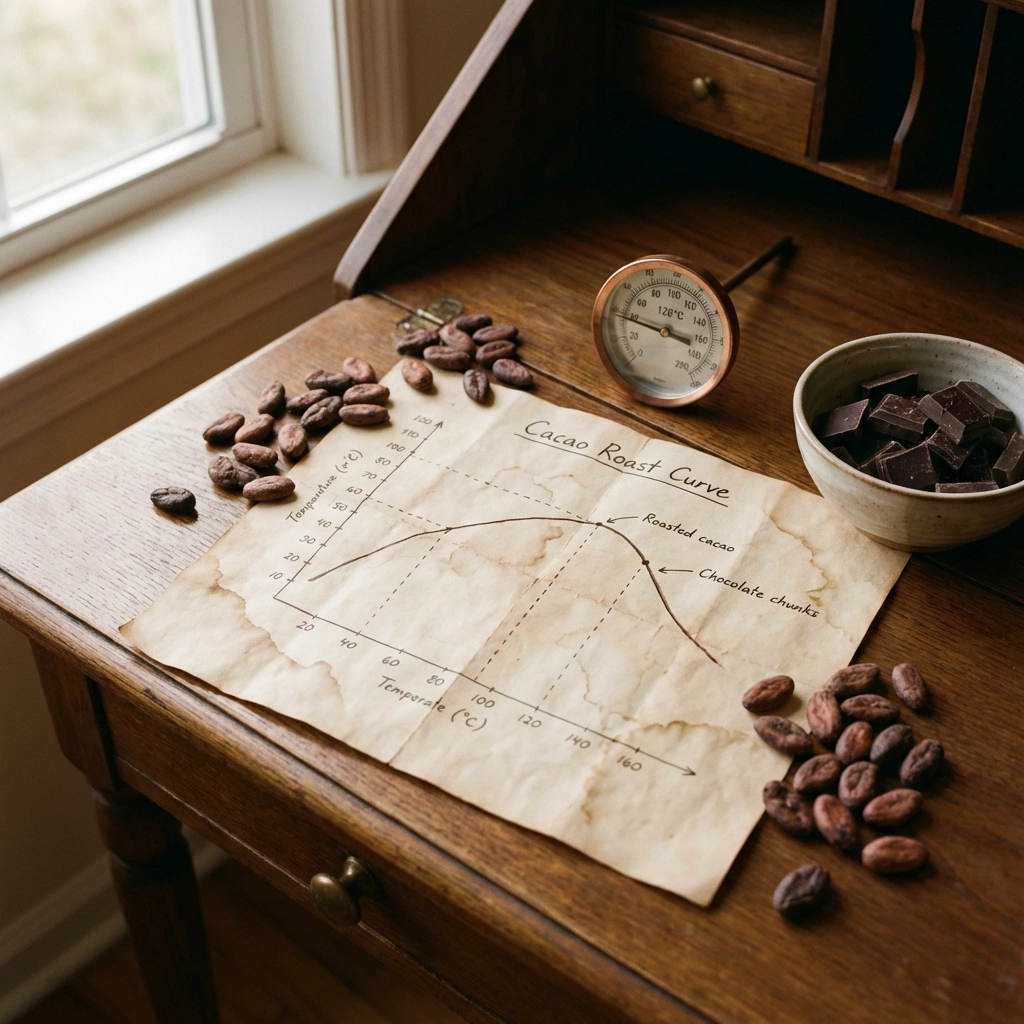
Roast too hot and too fast? You'll end up with smoky, burnt notes that overpower the delicate fruity or nutty characteristics hiding in your beans. Roast too low and too slow? You might get grassy, earthy flavors that taste more like a garden than a chocolate bar.
The sweet spot, that perfect balance of time and temperature, is where the real magic lives. And the only way to consistently hit that sweet spot is by understanding and tracking your roast curve.
Here's what a roast curve helps you do:
- Identify flavor profiles – Different curves bring out different notes. Want more fruit-forward chocolate? There's a curve for that. Prefer deep, rich, caramel undertones? Adjust your curve accordingly.
- Replicate your wins – Made an incredible batch last Tuesday? Without a recorded roast curve, recreating it is pure luck. With one? You've got a recipe for success.
- Learn from your misses – That burnt batch from last week? Your roast curve shows you exactly where things went wrong so you can adjust next time.
- Experiment with intention – Instead of random tweaking, you can make deliberate, trackable changes and actually learn what works.
Professional chocolatiers have been using roast curves for years. But until now, home experimenters and small-batch makers often had to piece together their own tracking systems, spreadsheets, scribbled notes, or just... hoping for the best.
Not anymore.
Introducing the Chocolate Lab Roast Curve Tool
This is where things get exciting. Cocoa Craft's Chocolate Lab includes a dedicated Roast Curve Tool designed specifically for chocolate makers who want professional-level tracking without the professional-level headache.
Whether you're roasting beans in a countertop drum roaster, a modified popcorn popper, or a proper commercial setup, this tool meets you where you are.
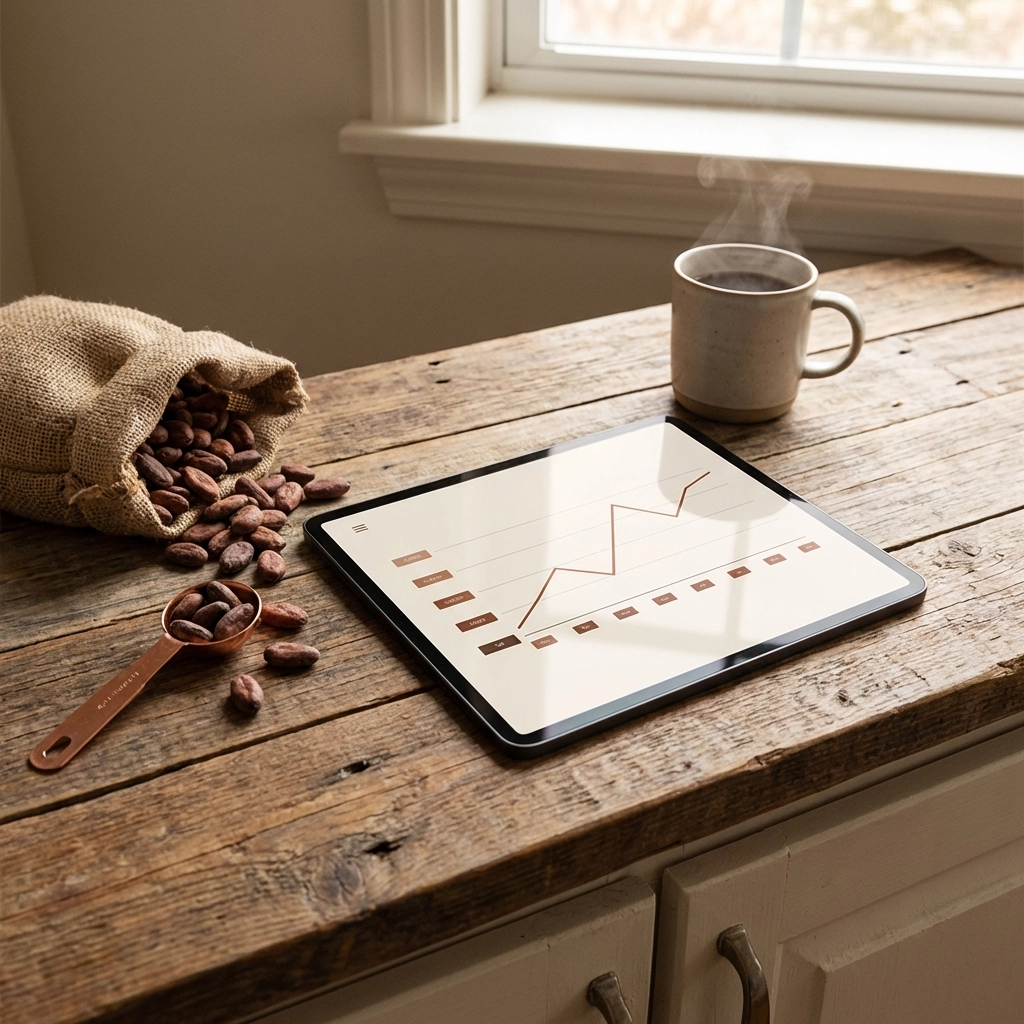
Here's How It Works:
Guided Tweaking
Not sure where to start? The Roast Curve Tool doesn't just give you a blank graph and wish you luck. It provides guided suggestions based on your bean origin, roast goals, and equipment type. Think of it as having a knowledgeable friend looking over your shoulder, offering tips without being annoying about it.
Easy Logging
Forget fumbling with notebooks or trying to remember what temperature you hit at the 12-minute mark. The tool lets you log data points in real-time (or enter them after your roast), creating a clean, visual curve you can reference anytime. No spreadsheet wizardry required.
Flavor Notes Tracking
Here's where it gets really fun. After each roast, you can add flavor notes directly to your curve. Tasted hints of cherry and tobacco? Log it. Detected some unwanted bitterness? Note it. Over time, you'll build a personalized library connecting specific curves to specific flavor outcomes. That's powerful data, friends.
Compare and Contrast
The tool lets you overlay multiple roast curves side by side. This means you can visually compare your best batch against your latest experiment and see exactly where they differ. It's like having X-ray vision for your chocolate-making process.
Who Is This For? (Spoiler: Probably You)
You might be thinking, "This sounds great, but I'm just a home hobbyist. Do I really need a roast curve tool?"
Short answer: Yes!
Here's the truth, roast curves aren't just for commercial operations with six-figure equipment budgets. In fact, they might be even MORE valuable for home makers and small-batch artisans. Why? Because when you're working with limited resources and smaller quantities, every batch counts.
The Chocolate Lab Roast Curve Tool is built for:
- Curious home experimenters who want to understand the "why" behind their chocolate's flavor
- Small-batch makers scaling up and needing consistent, repeatable results
- Bean-to-bar enthusiasts who geek out over the science of chocolate (we see you, and we love you)
- Anyone who's tired of guessing and ready to start crafting with intention
The best part? You don't need fancy equipment to get started. A reliable thermometer, a roasting method you're comfortable with, and access to the Chocolate Lab is all it takes.
Practical Tips for Your First Tracked Roast
Ready to dive in? Here are some quick tips to get the most out of your first roast curve session:
1. Start With a Baseline
A solid starting point for many countertop drum roasters is around 20 minutes at 140°C (284°F). This isn't a magic number, it's just a baseline. Your beans, your equipment, and your preferences will all influence your ideal curve.
2. Take Notes on Everything
Beyond temperature, note your bean origin, batch size, ambient room temperature, and any other variables. The more data you capture, the smarter your future experiments become.
3. Taste, Taste, Taste
After your roast (and proper cooling), taste a few beans before moving to the next steps. Are they grassy and earthy? Probably under-roasted. Smoky and bitter? Over-roasted. Sweet and complex? You're on the right track.
4. Log Your Flavor Notes Immediately
Don't wait until tomorrow. Right after tasting, log your flavor impressions in the Roast Curve Tool. Your palate's memory fades fast, capture those notes while they're fresh.
5. Iterate With Intention
Pick ONE variable to change in your next roast. Maybe you'll increase the peak temperature by 5 degrees. Maybe you'll extend the total time by two minutes. Small, intentional changes, tracked carefully, teach you more than wild swings ever will.
Your Best Bar Is Waiting
Here's what it comes down to: great chocolate isn't an accident. It's the result of understanding your process, tracking your variables, and learning from every single batch.
The Roast Curve Tool inside Cocoa Craft's Chocolate Lab puts that power directly in your hands. No guesswork. No crossed fingers. Just smart, guided experimentation that helps you unlock flavors you didn't even know were possible.
Ready to experiment smarter? Get guided, save flavors, and unlock your best bar yet, sign up for Cocoa Craft's Chocolate Lab today and start tracking your roast curves like a pro.
Because every bean deserves its best roast. And every maker, yes, including you: deserves the tools to make it happen.
Happy roasting, and we'll see you in the Lab! 🍫
Written by Cocoa Craft